Care Threads
Clinics
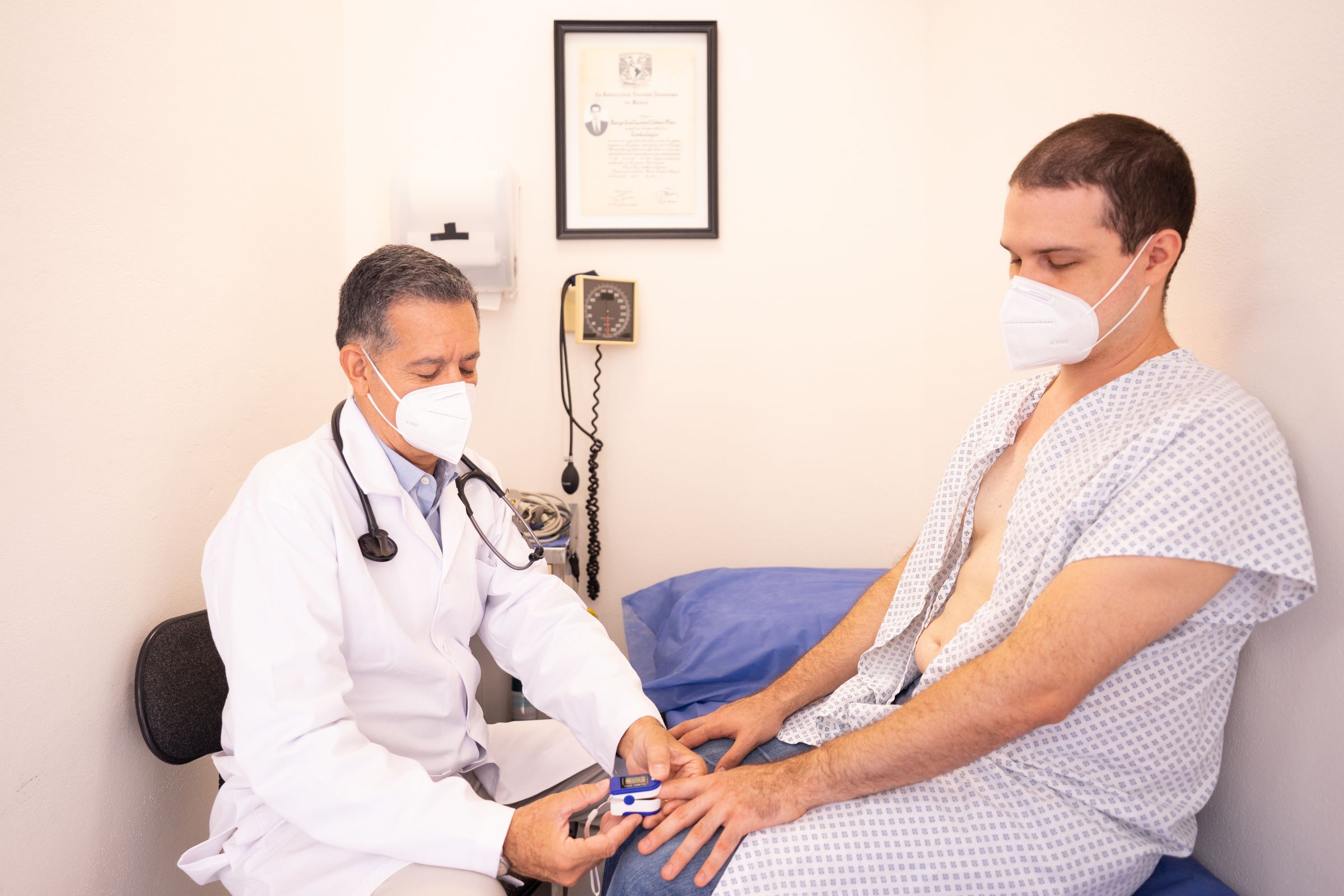


LightningCare connects the clinician in the room with a specialist who is somewhere else. Both look at the same patient on live video, and the messages and photos stay in a Care Thread. LightningCare drafts the visit note for the clinician to read and correct.
Updated November 19, 2026
Care Threads
Care Threads and Procedures
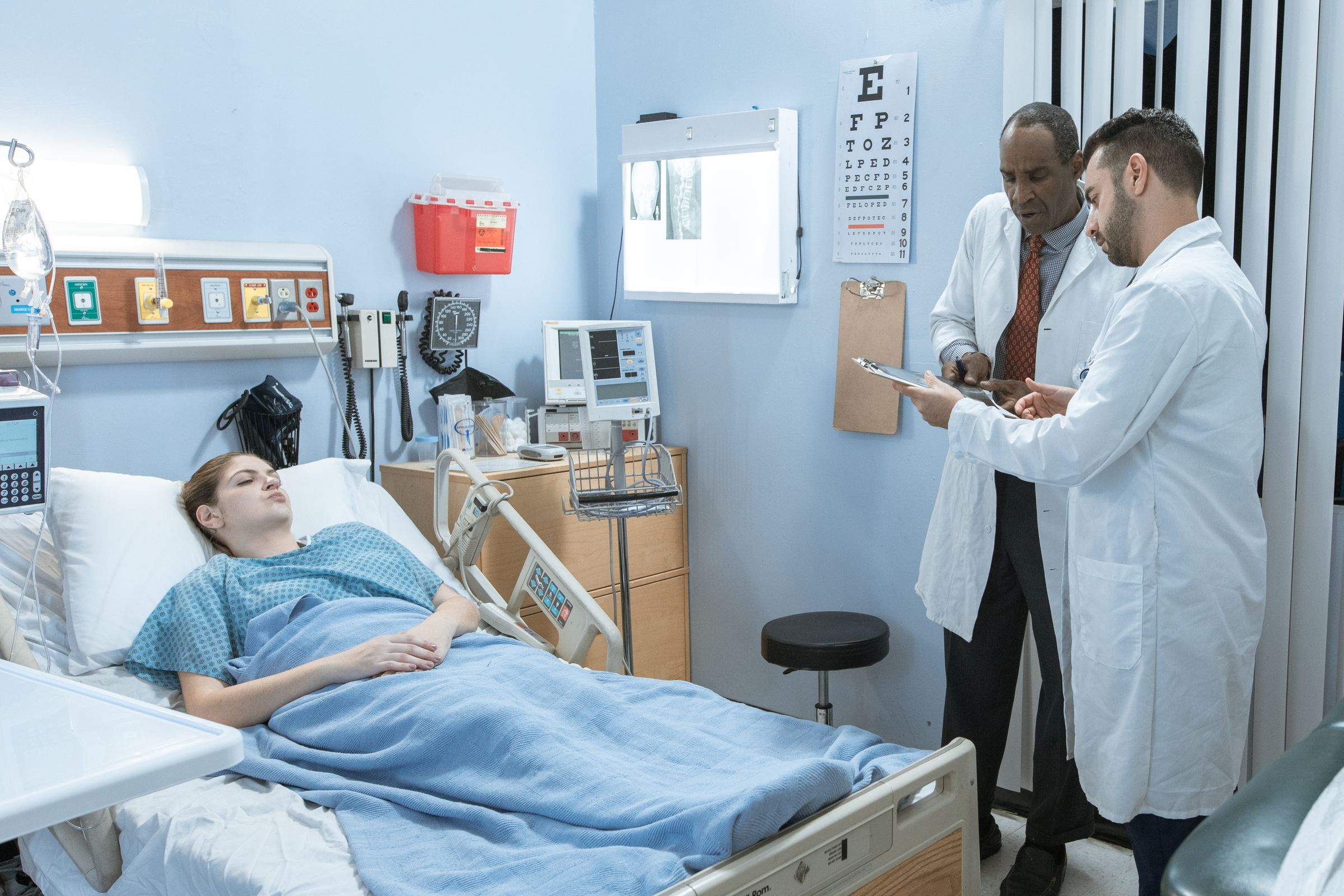
Live Video Guidance and Care Threads
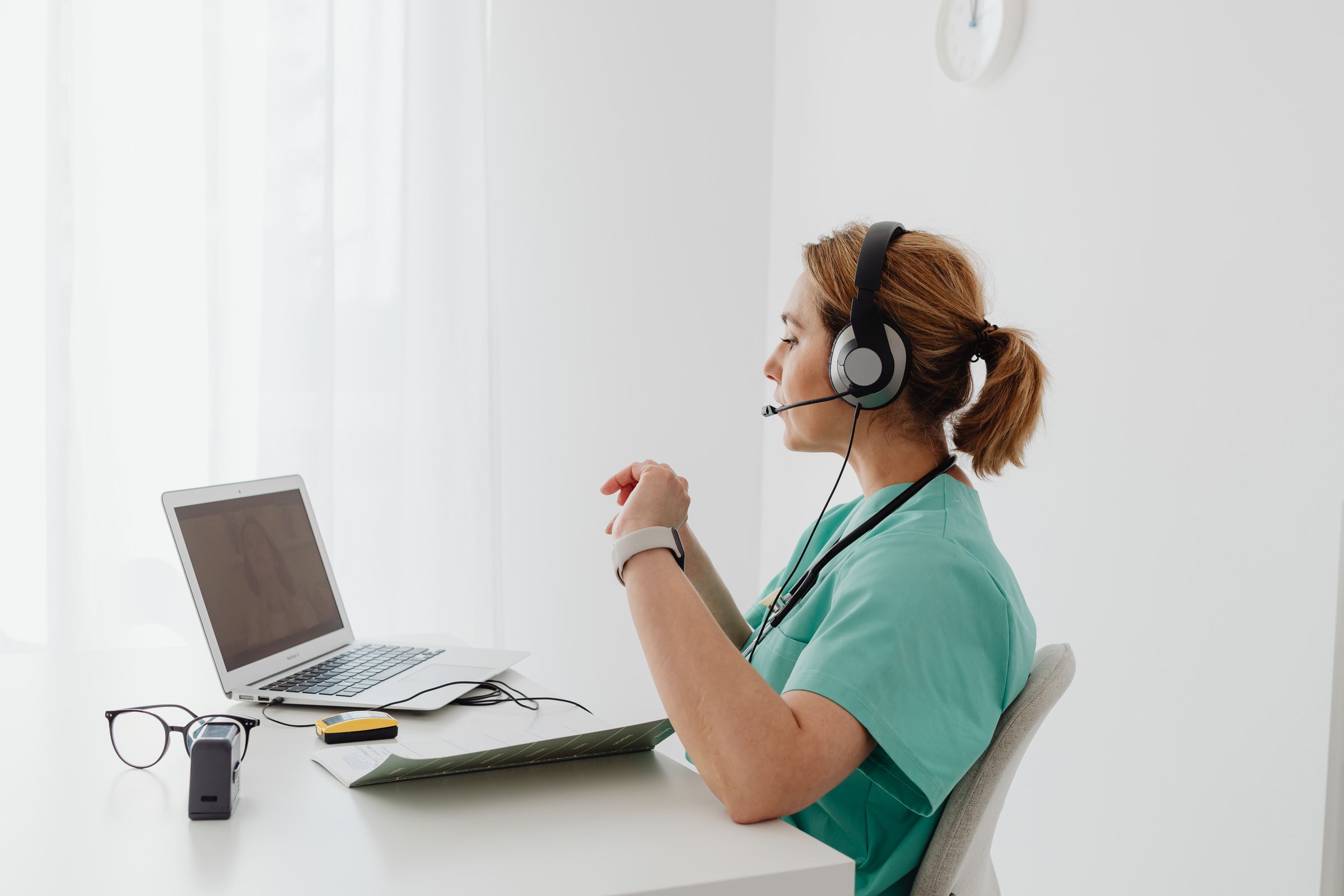
Procedures
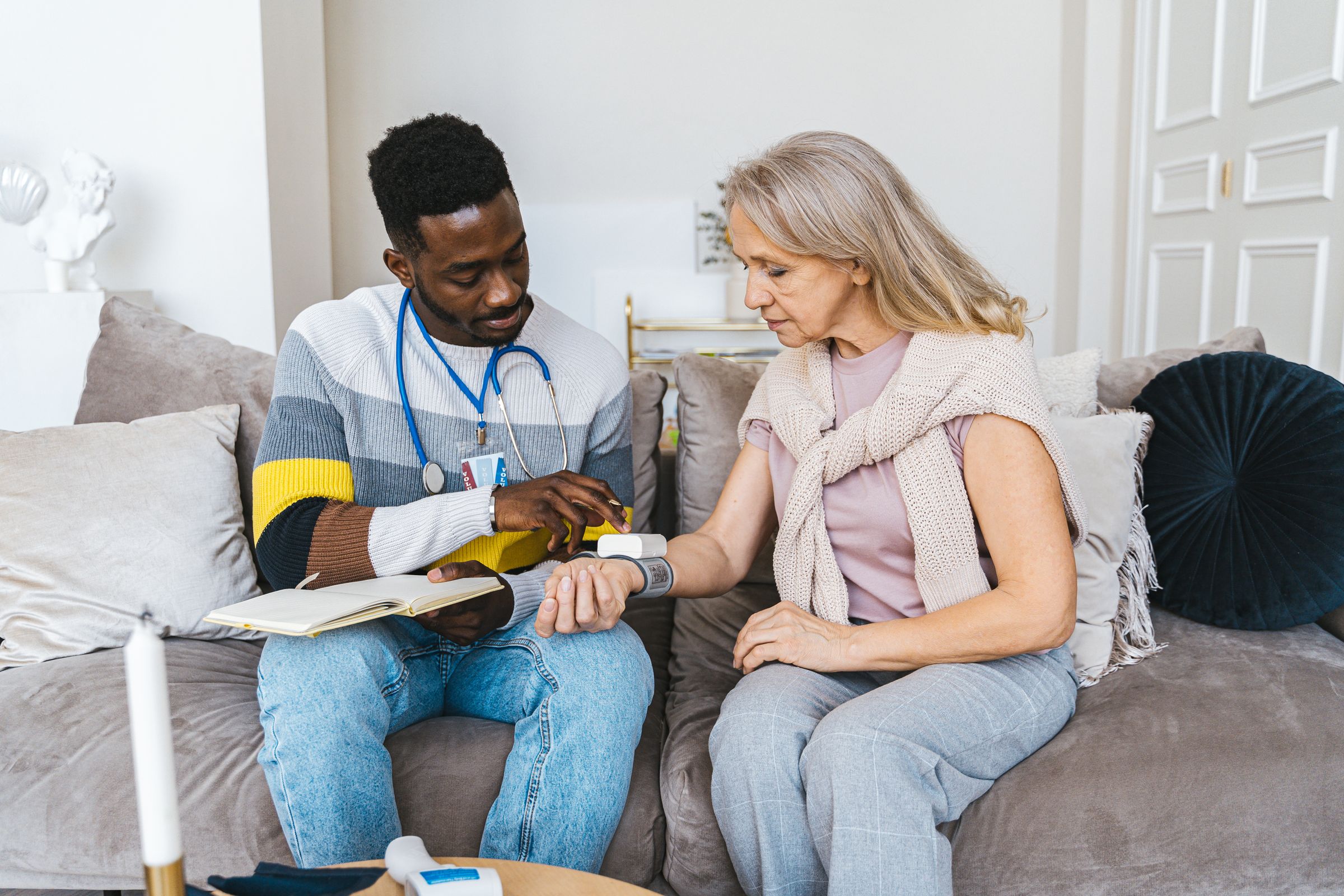
A specialist joins on live video, and the messages and photos from that session stay in a Care Thread. A Procedure lays out the steps for anyone on the team, and Translator lets each person follow along in their own language.
In a live video session, the specialist sees the patient's wound or the pump display exactly as the camera in the room shows it. They can freeze the frame, zoom in, draw on the image, take a photo, or record the session. When a circle on the screen isn't enough, Merged Reality puts the specialist's hands into the video to show where to press or how to hold the device.
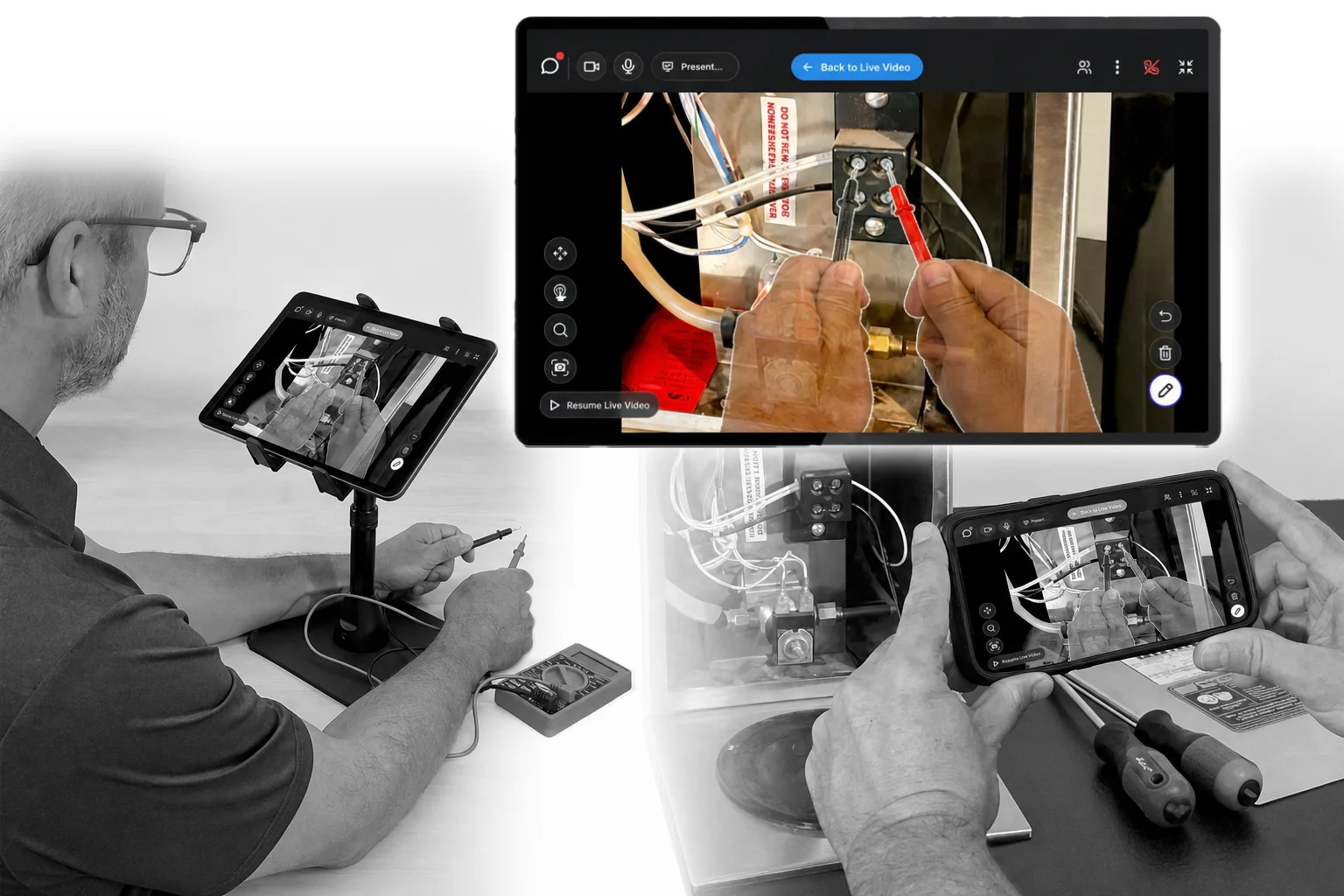
A Care Thread is one conversation between the people in the room and the specialist, from the first question to the last message. The chat, the photos, and the live video sessions all happen inside it, so a photo of a wound sent in the morning is still there when the specialist joins in the afternoon.
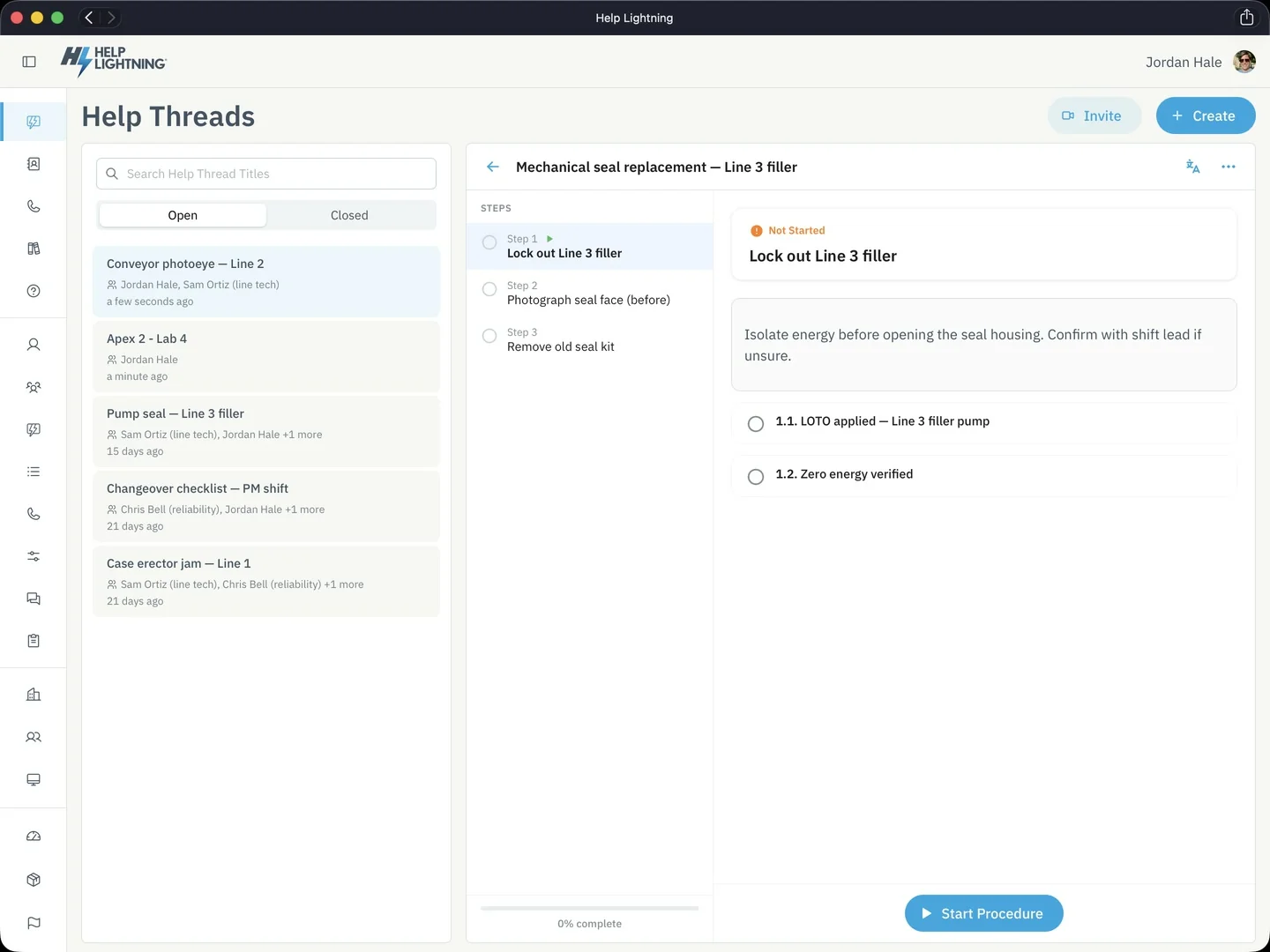
Your team builds a Procedure from the protocols and device manuals it already uses, and anyone on the team can follow it one step at a time, at the bedside or on a home visit. They add the photo, the video, or the reading each step asks for, as proof the step was done. If someone gets stuck, a specialist can join on live video.
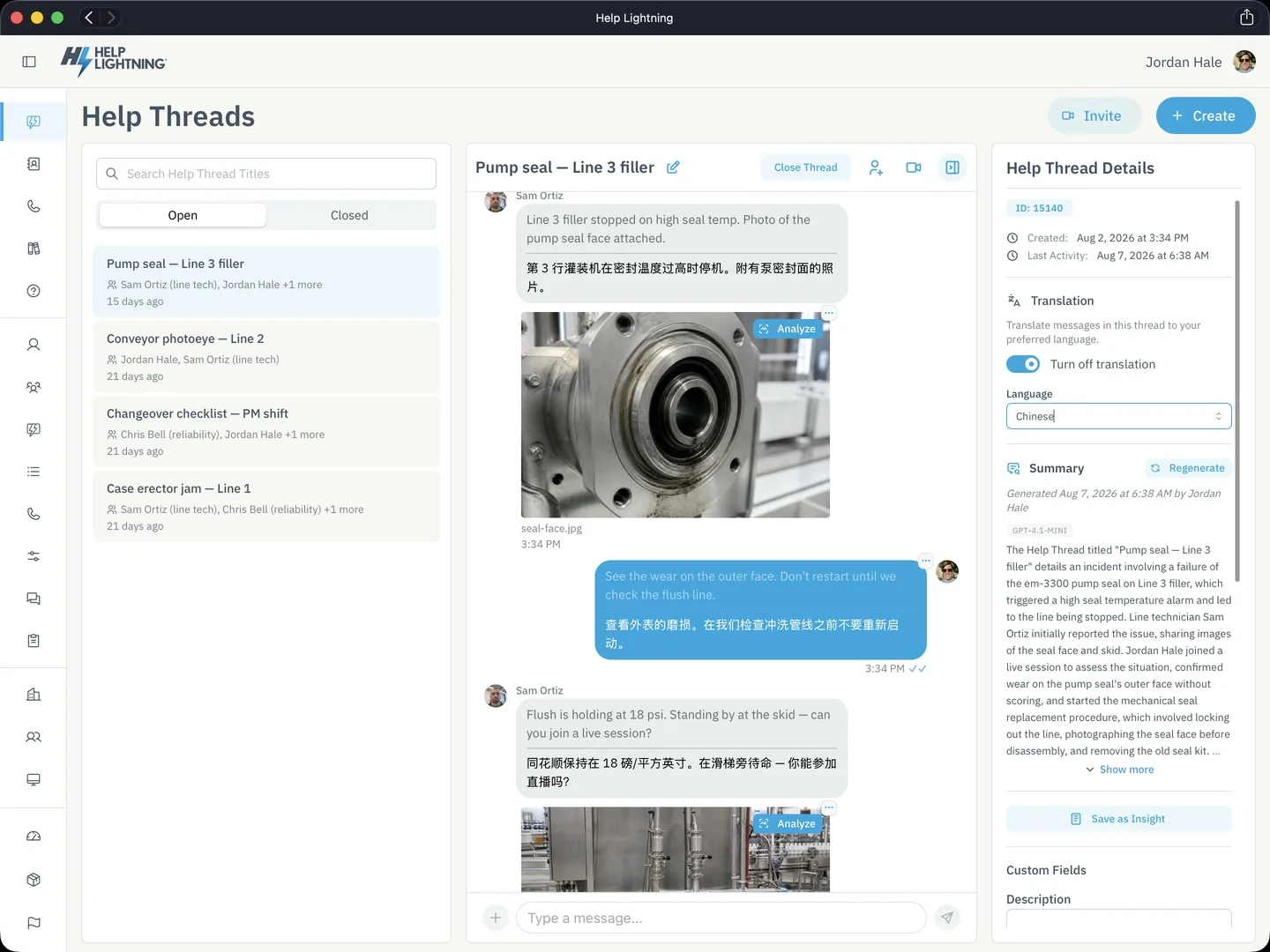
In the chat or on live video, each person in the Care Thread follows along in their own language. The nurse writes in English, and the patient reads the same message in Chinese.
Six tools that use AI to read a device label, answer a question from your protocols, summarize a Care Thread, draft a Procedure, suggest what to try, and find how the same problem was handled before.
A clinician on your team reads every answer, summary, and draft before anyone acts on it.
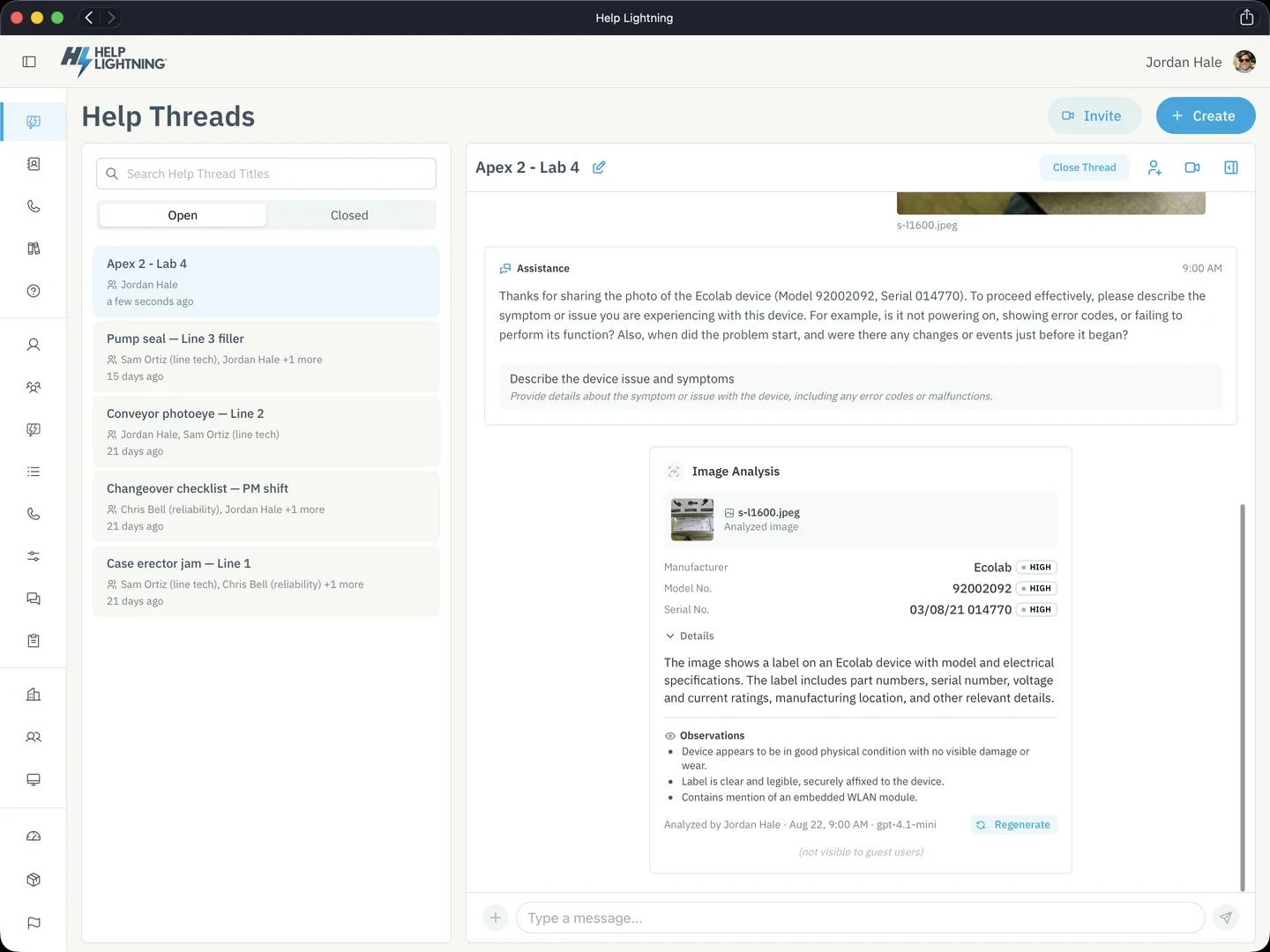
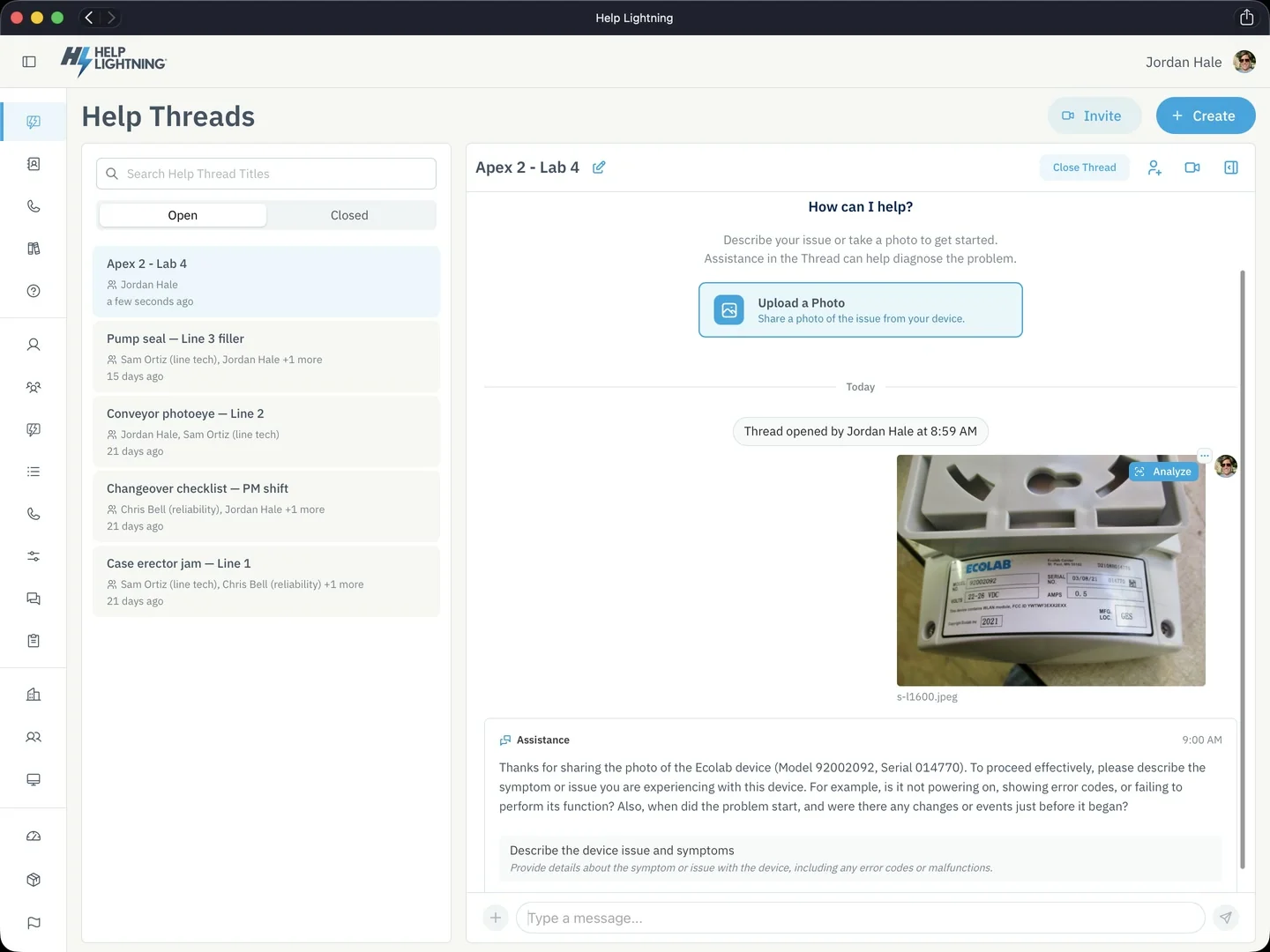
A clinician photographs the label on a pump or a monitor, and Analyze photo reads off the manufacturer, the model, and the serial number so nobody copies them by hand. When the photo shows a wound or a rash, Analyze photo describes what is in the picture. The result goes to that clinician first, who decides whether to share it.
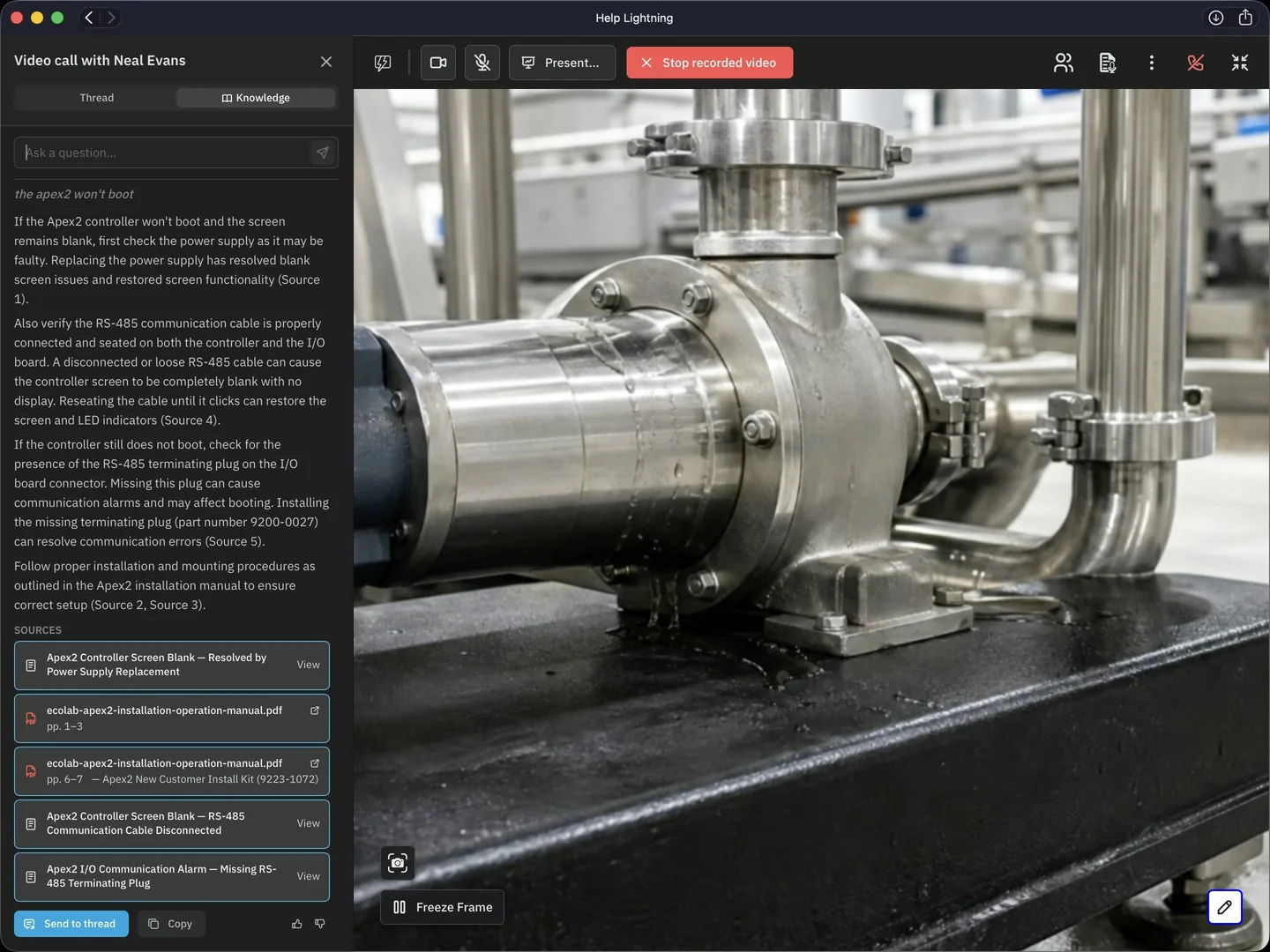
A nurse asks a question in plain words, such as how to clear an alarm on an infusion pump, and Analyze document answers from your team's own device manuals and protocols. The answer cites the document and the pages it came from, so the nurse can check it.
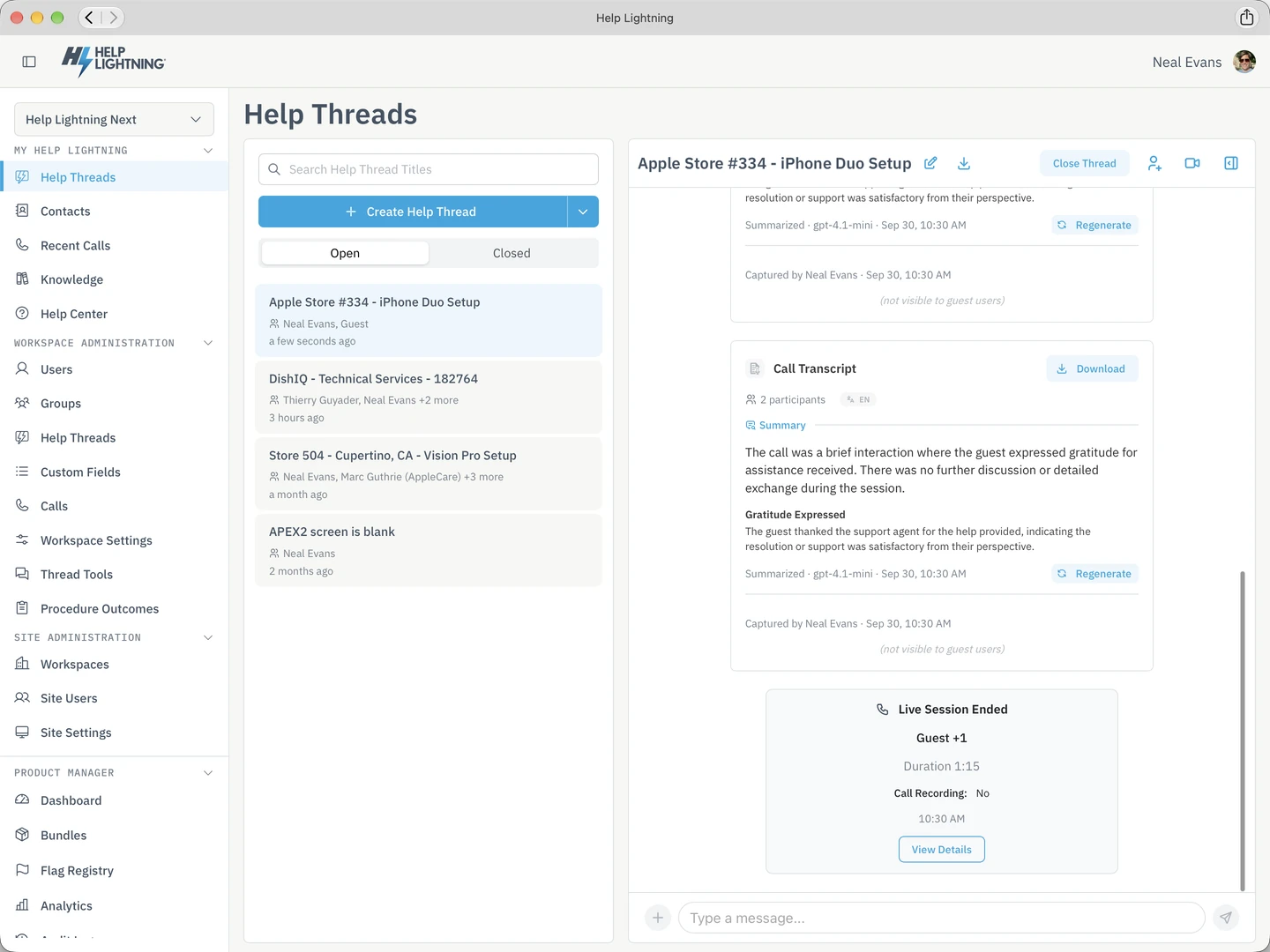
Summarize thread writes a short account of a Care Thread: who was in it, what they tried, and how it ended, with the main topics and the next steps. Whoever takes the patient next can read that first.
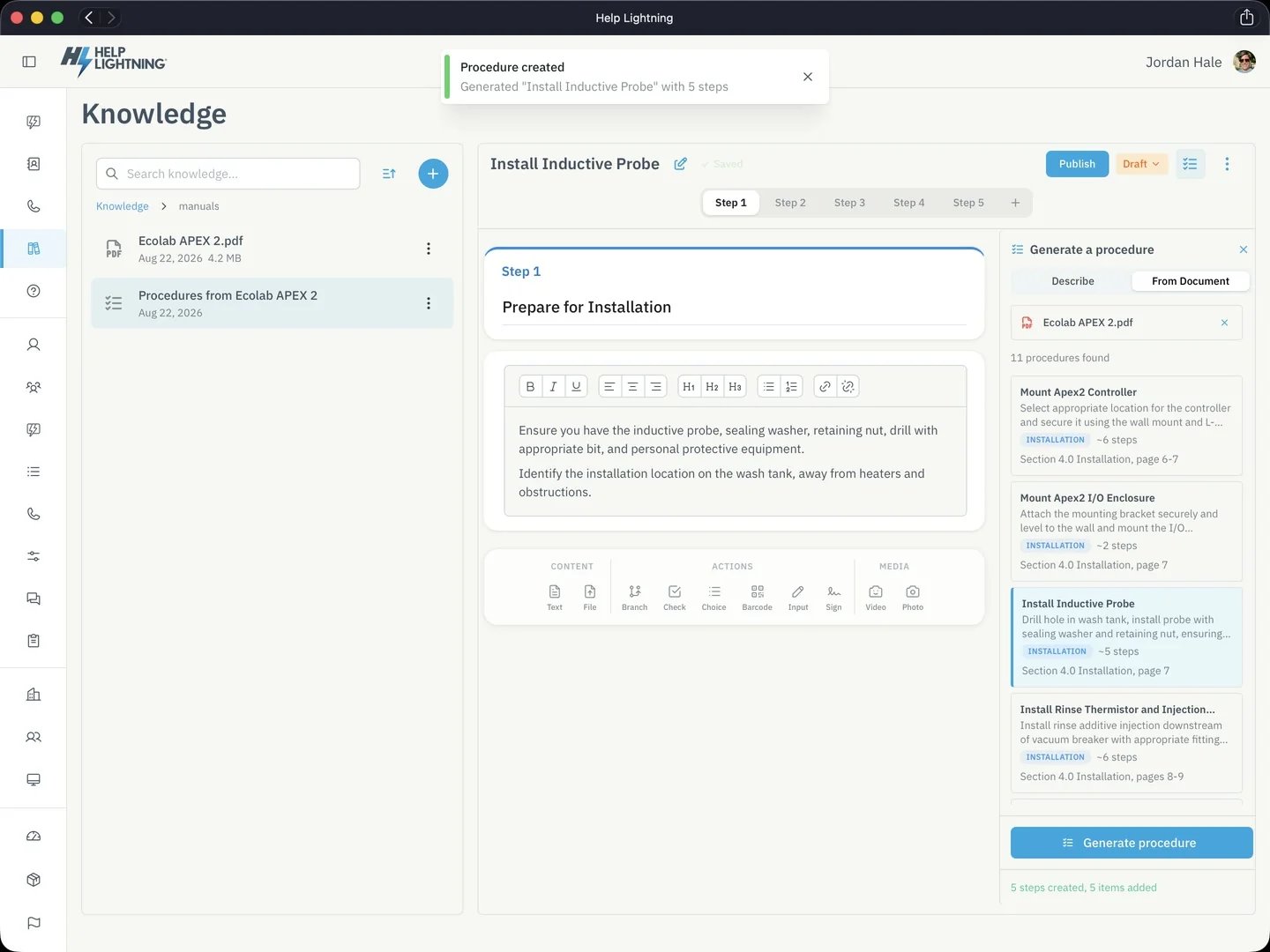
Generate procedure reads a protocol or a device manual your team has loaded and writes a first draft of a Procedure, step by step. Someone on your team edits the draft and publishes it before a nurse follows it on a home visit or on the hospital floor.
A nurse can describe a problem with a device or send a photo of it, and Self-help suggests what to try, drawing on the manuals and protocols your team has loaded. The specialist on live video can use it too.
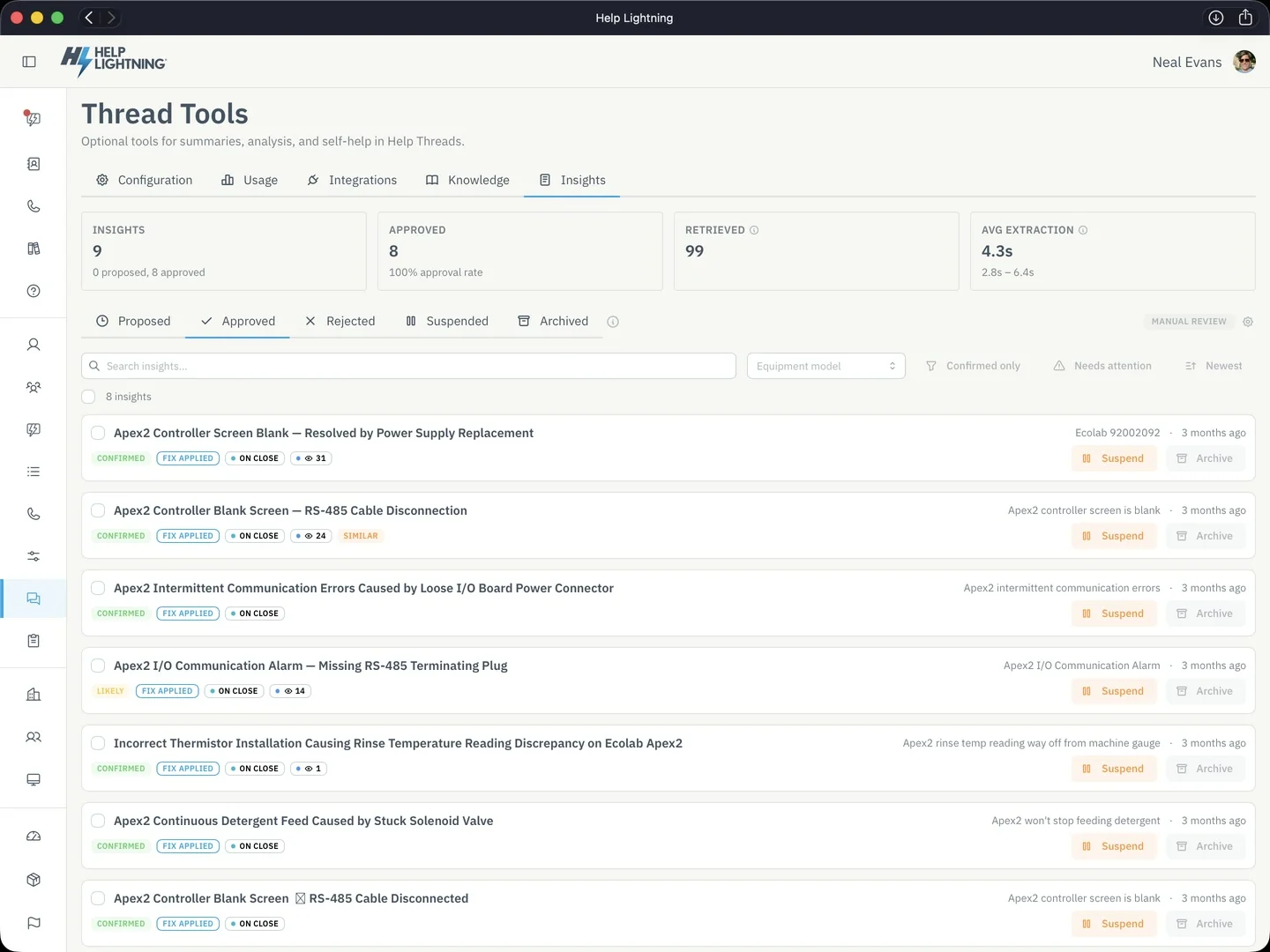
When a Care Thread closes, Thread Insights drafts a short entry: the problem, what the team tried, and what worked. After someone on your team approves it, the next nurse who gets the same pump alarm can search for the entry and read what worked.
The nurse on the next shift and the nurse on the next home visit were not on the live video, so they start from the Care Thread.
The specialist's messages, the photos from the room, and the files people shared are all in the Thread, in the order they were sent.
The nurse coming on opens the same Thread and reads what the specialist said, instead of hearing it secondhand in the hallway.
A Procedure in the Thread lists the steps, so the nurse on the next home visit takes the same readings and the same photos as the last one.
Sign in with your LightningCare account and add the specialist you want to reach. Start live video when you both need to see the patient.